

Client gallery
Your photos, in one place.
Every package comes with a private online gallery. Here is what it can do, what is always included and what you can add.
Overview
How it works.
The client gallery is your private place for all your photos. No account and no app, just your access code.
- 1
I upload
After the session I edit the photos and put them in your gallery, then send you the access details.
- 2
You open it
With your personal access code or via QR code, on your phone and on your computer.
- 3
View, download, share
You download photos and, if you like, pass them on selectively to others.
Features
What the gallery can do.
Tap a feature to jump straight to its explanation.
Basics
Always included.
Access via QR code or access code
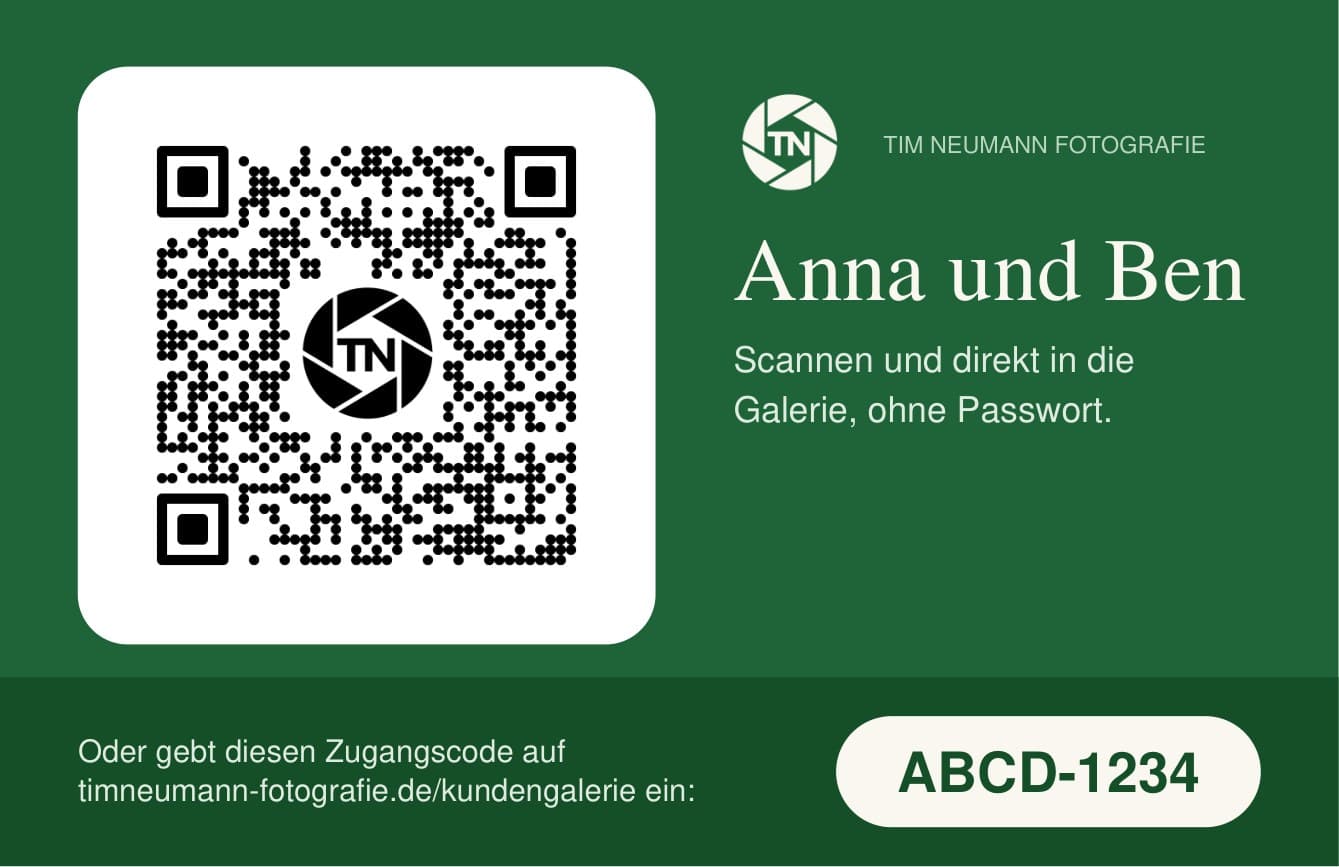
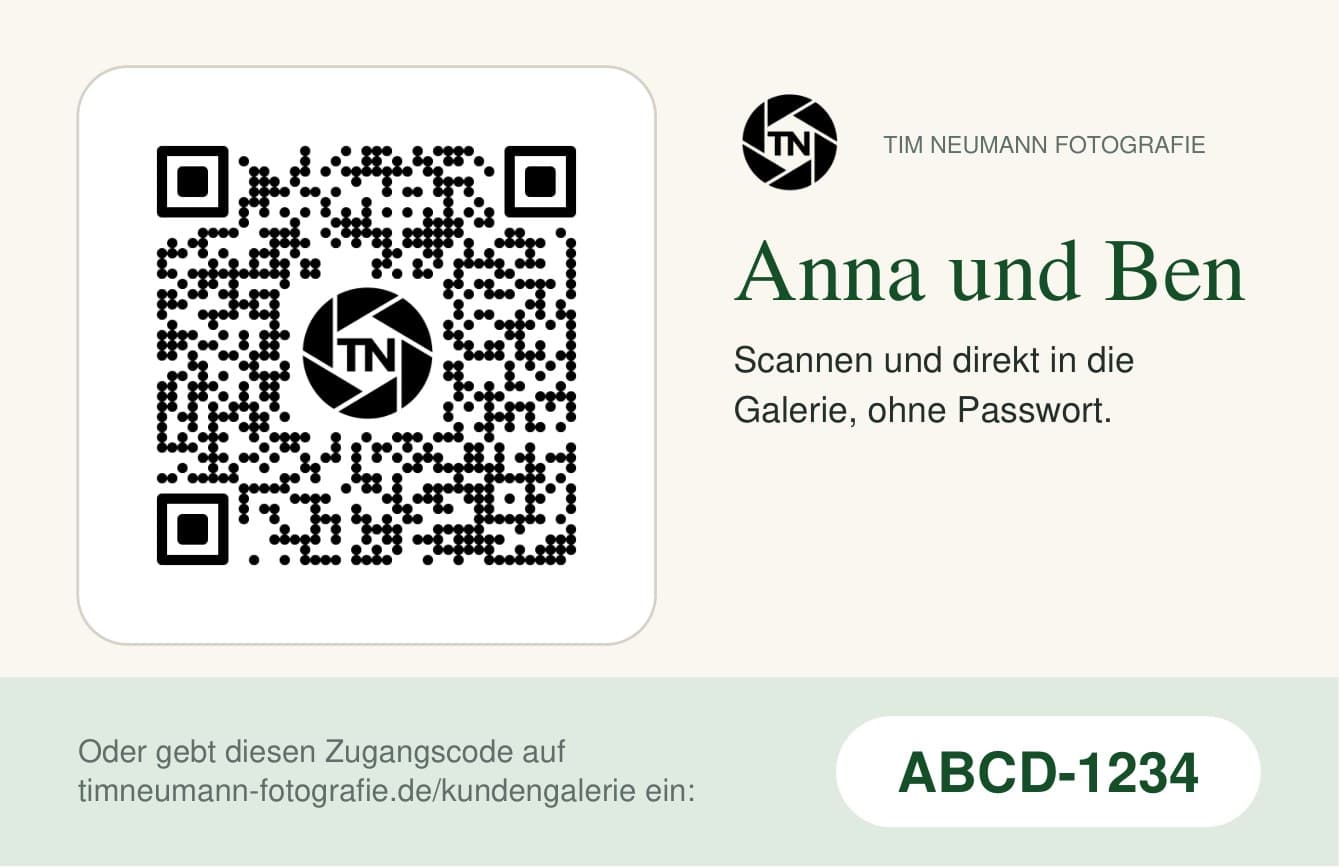
You open the gallery with your personal access code or by scanning the QR code. No account, no app, on your phone and your computer.
Overview of all photos
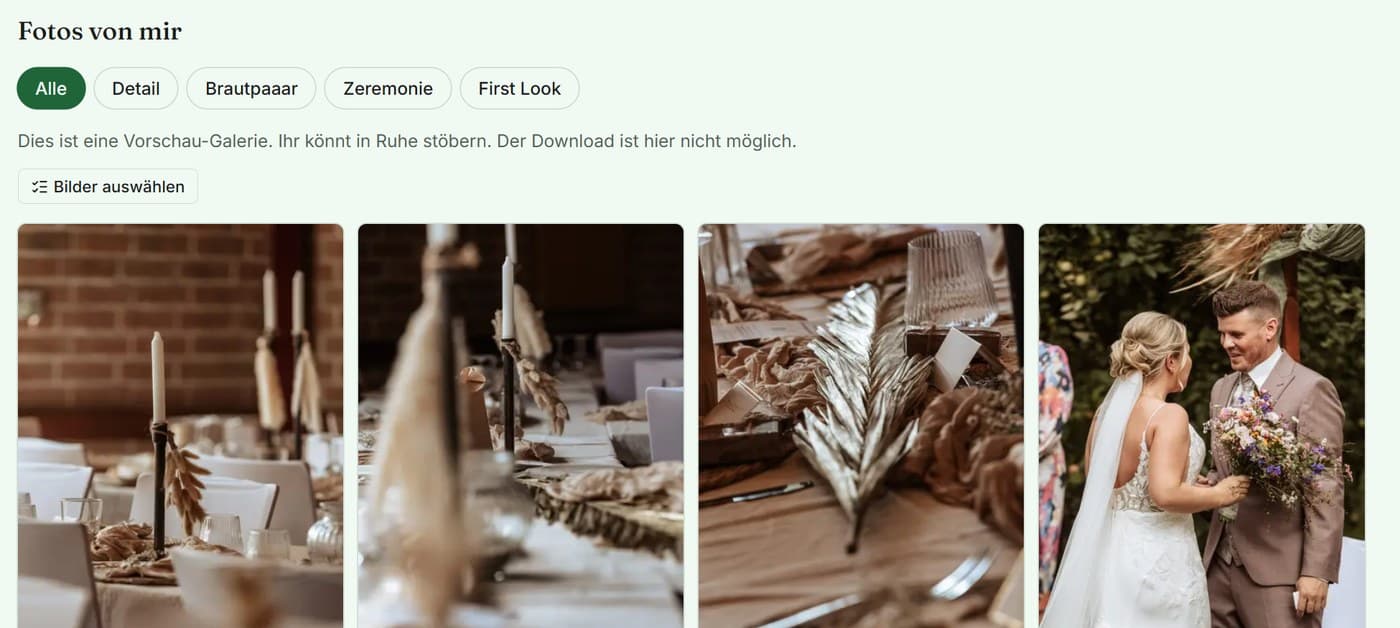
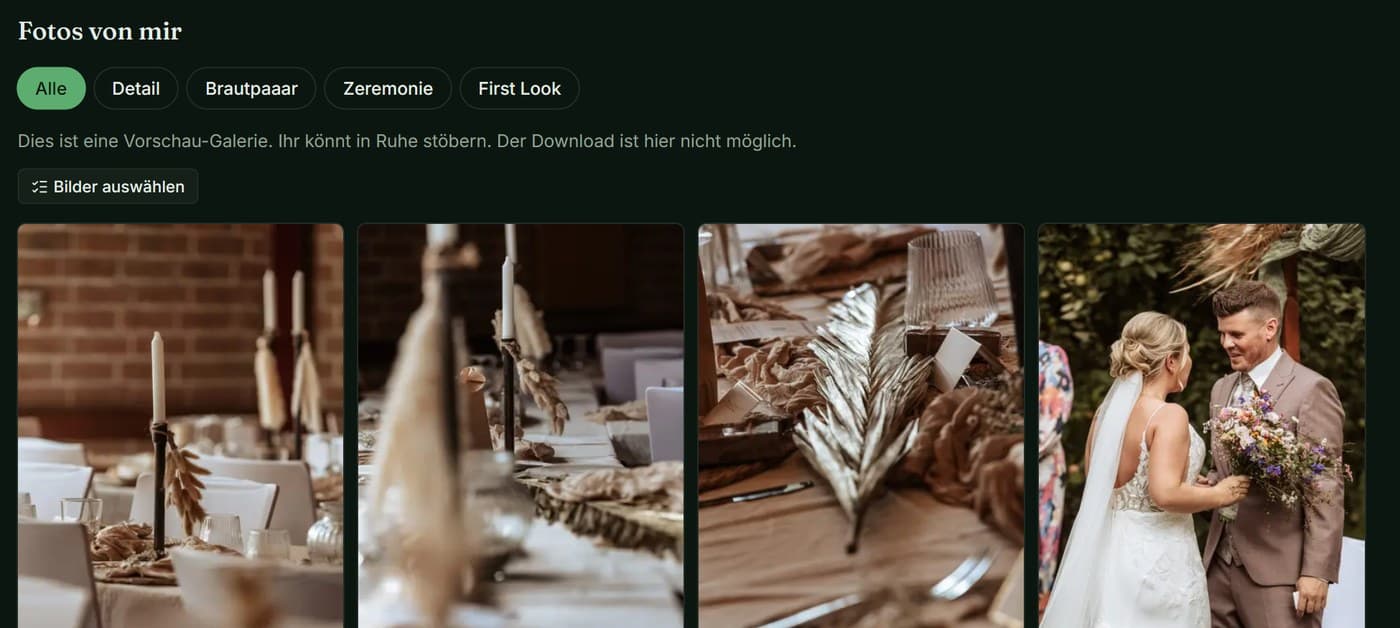
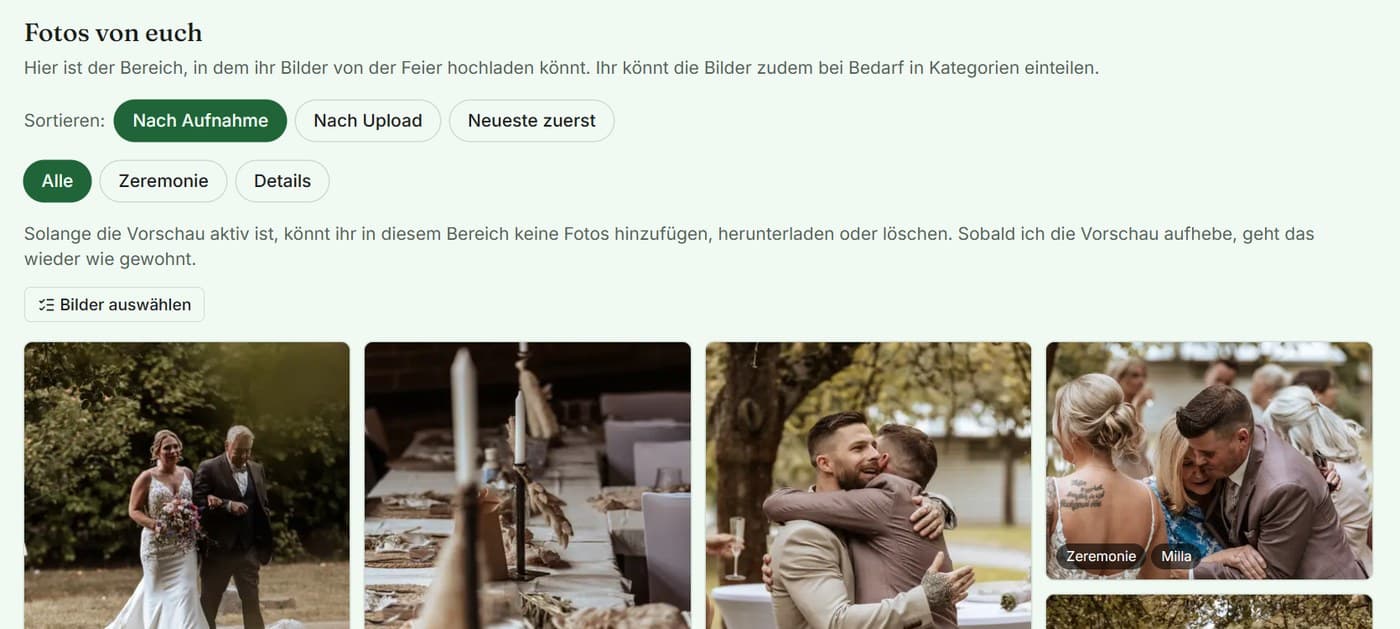
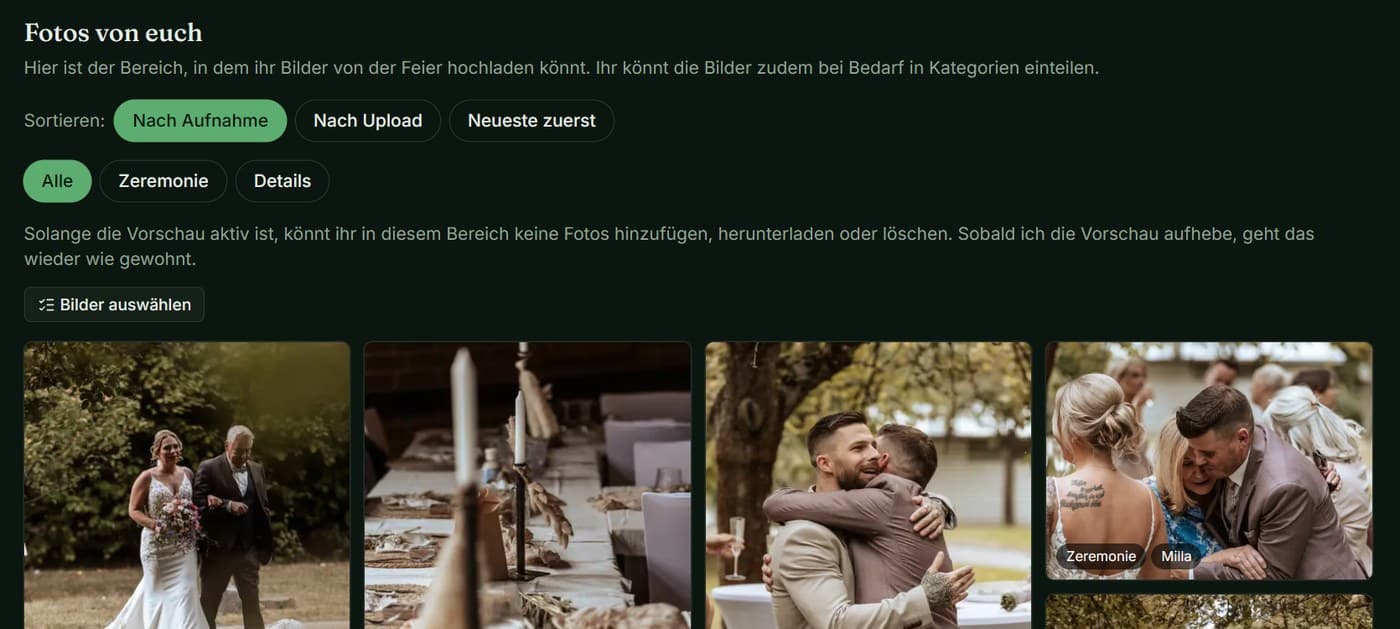
All photos of your day at a glance, in a clear gallery.


Sorted by categories
The photos are arranged in categories, for example getting ready, ceremony or party, so you quickly find what you are looking for.
Easy download
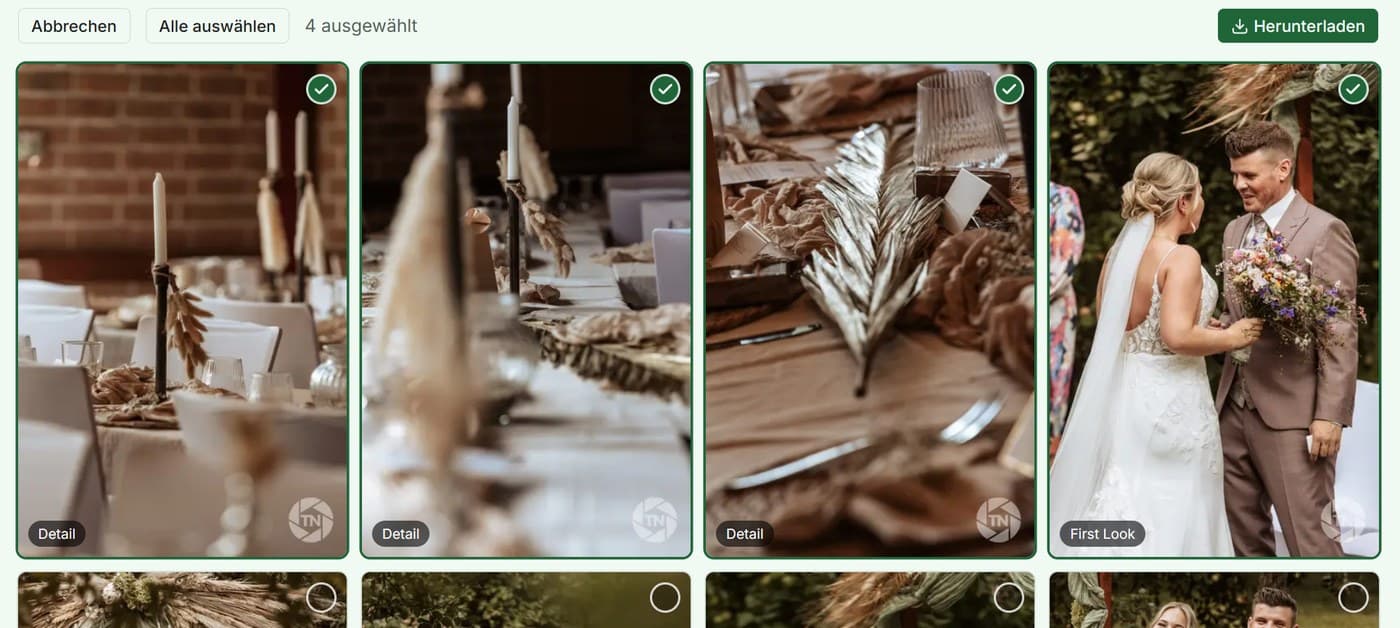
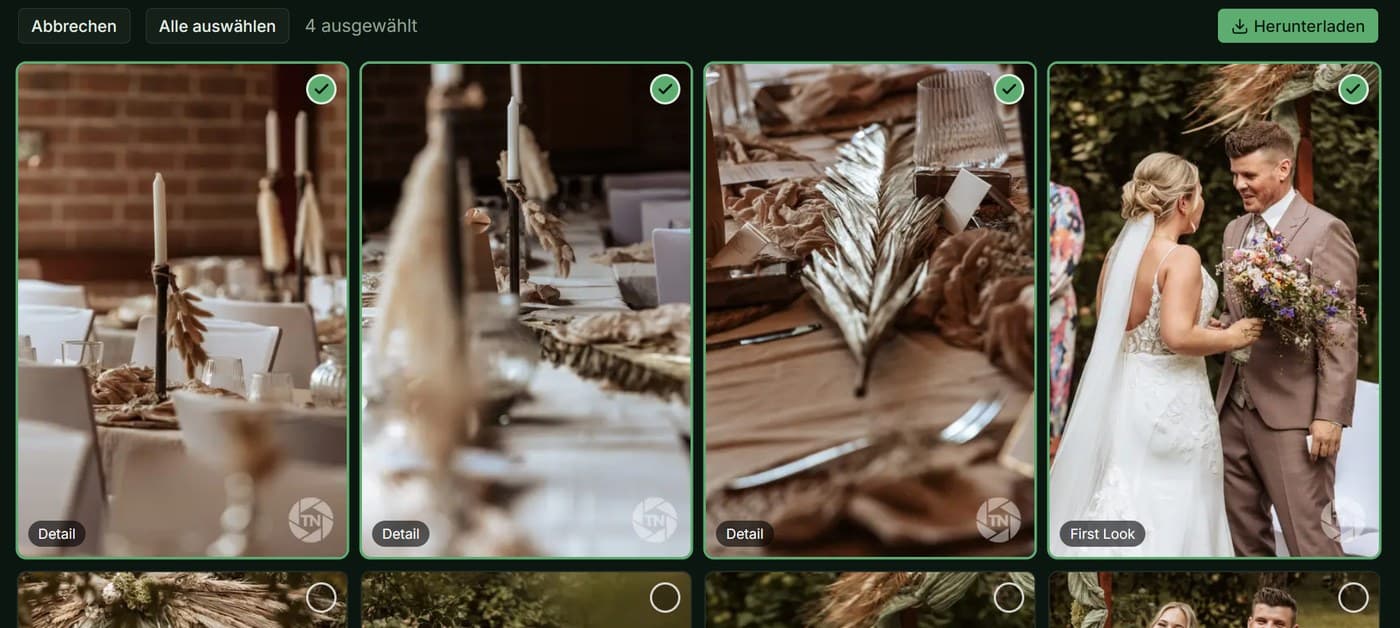
Download single photos or everything at once as a ZIP. The photos come as JPG at 100 % quality.
No hidden costs
The gallery is part of every package. There are no fees for access or download.
Safe and private
The gallery is never public. Your private photos do not go through any third-party provider, they are stored on my own server.
Online for two weeks
After the photos are delivered the gallery stays online for two weeks. On request I extend it to up to two months.
Share with family, friends or guests
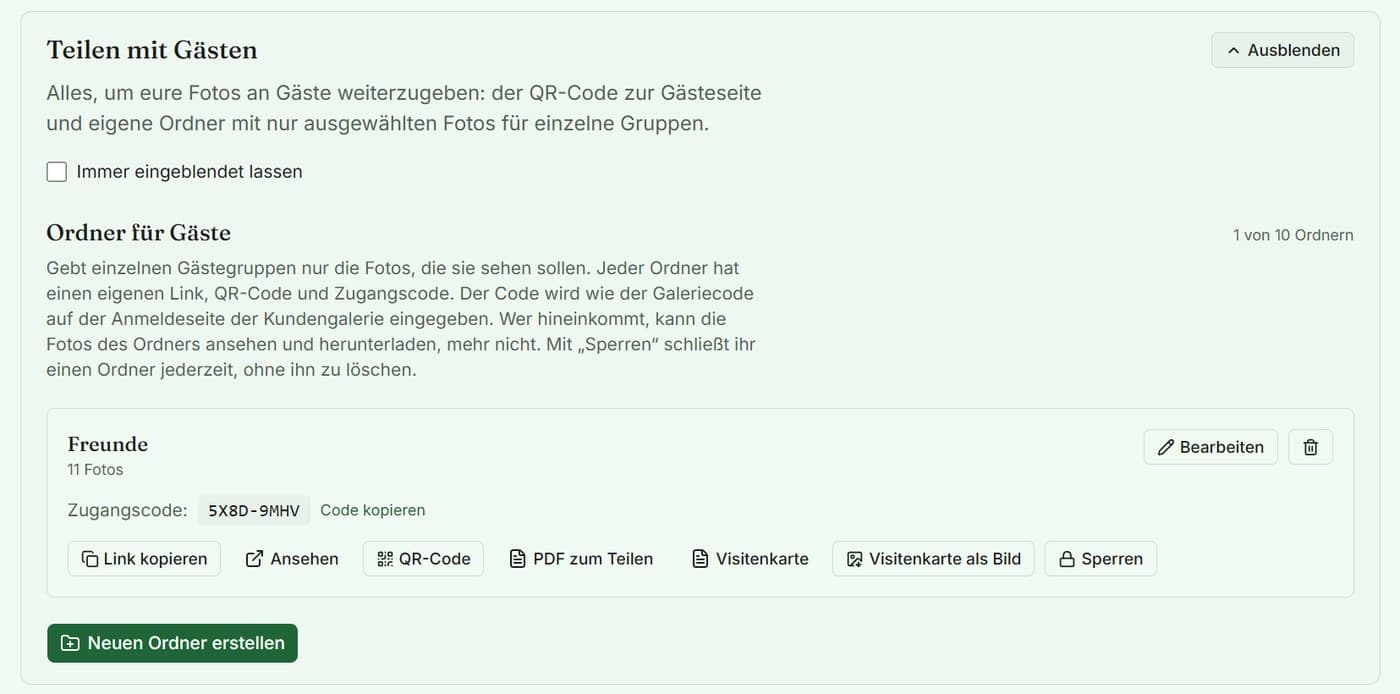
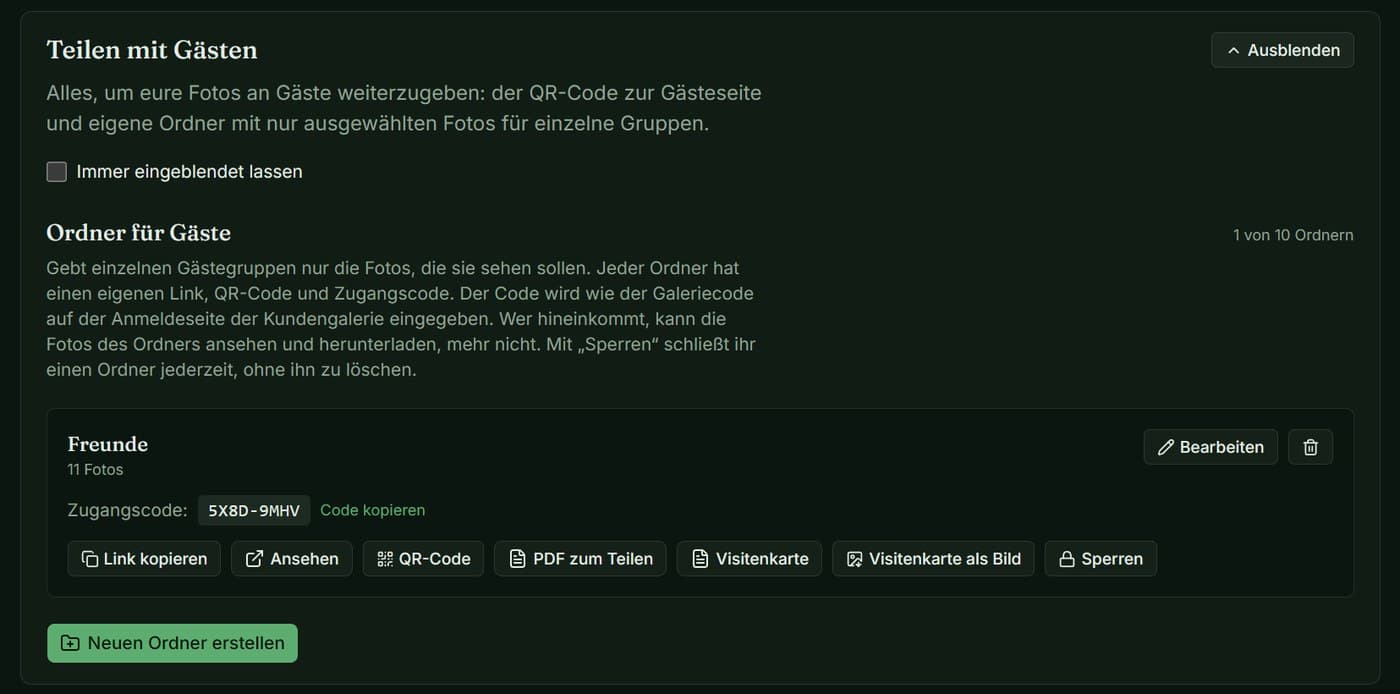
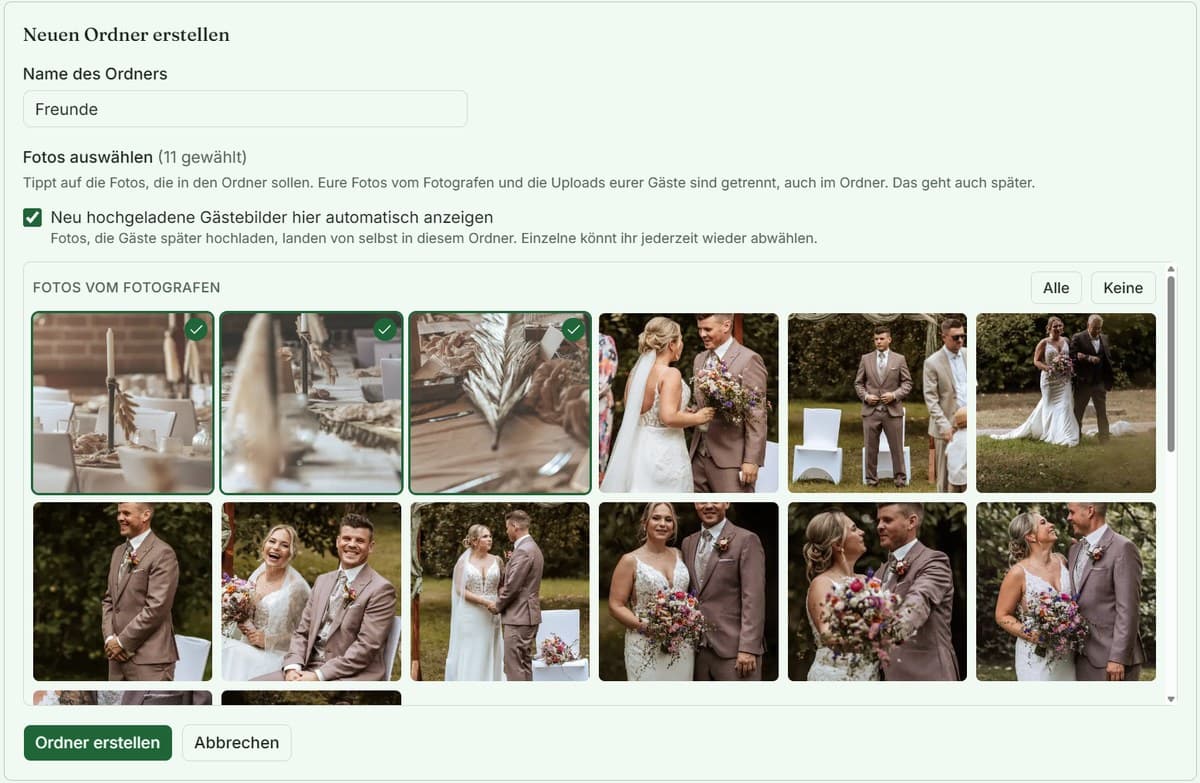
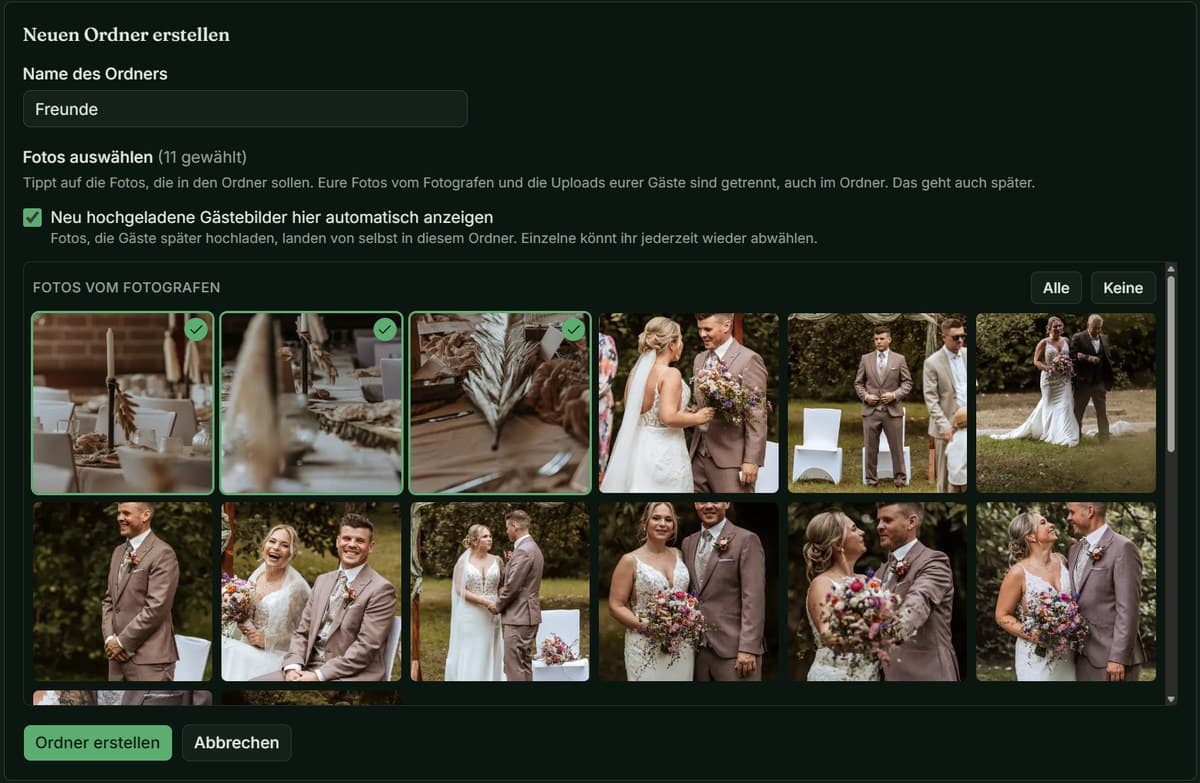
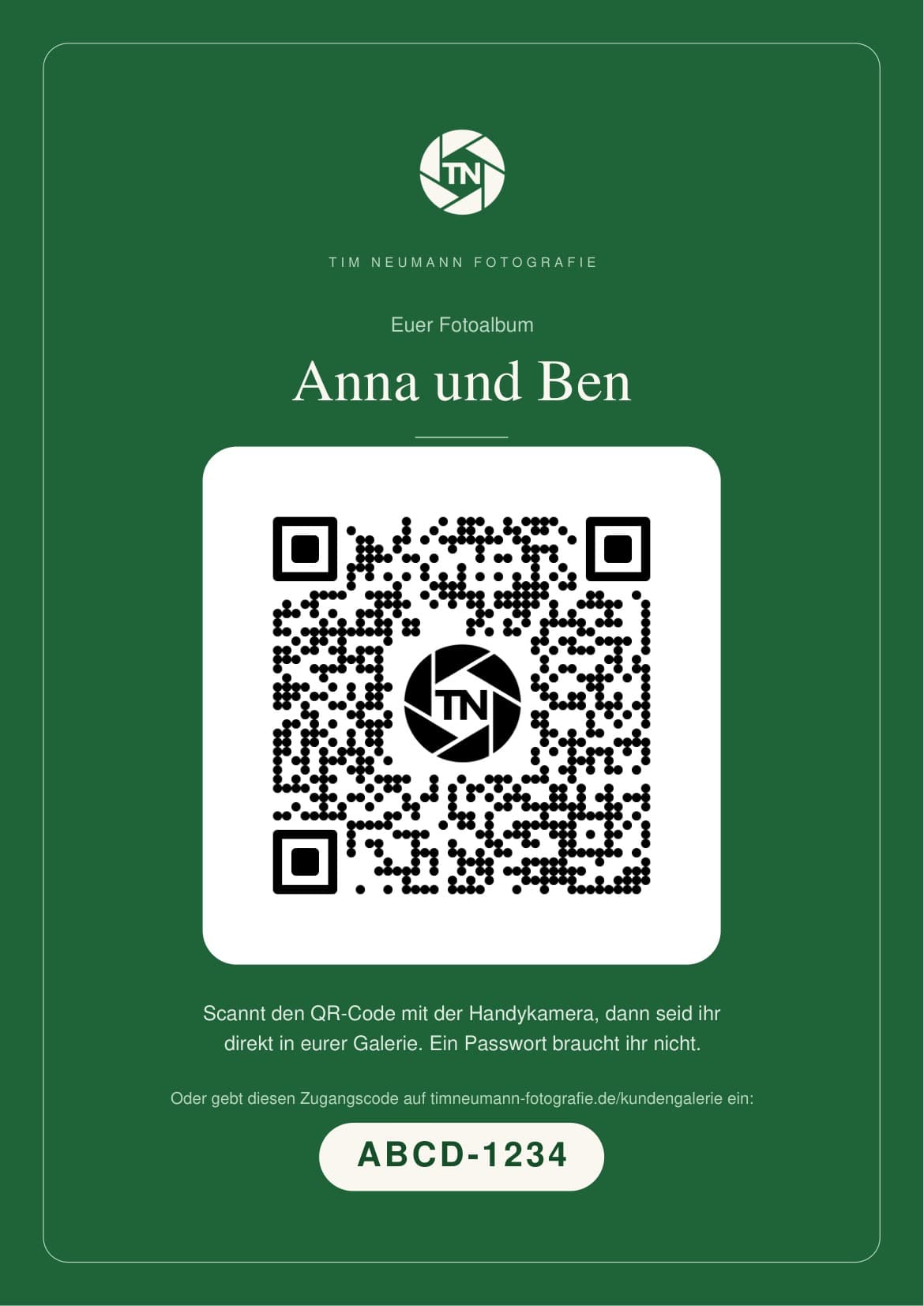
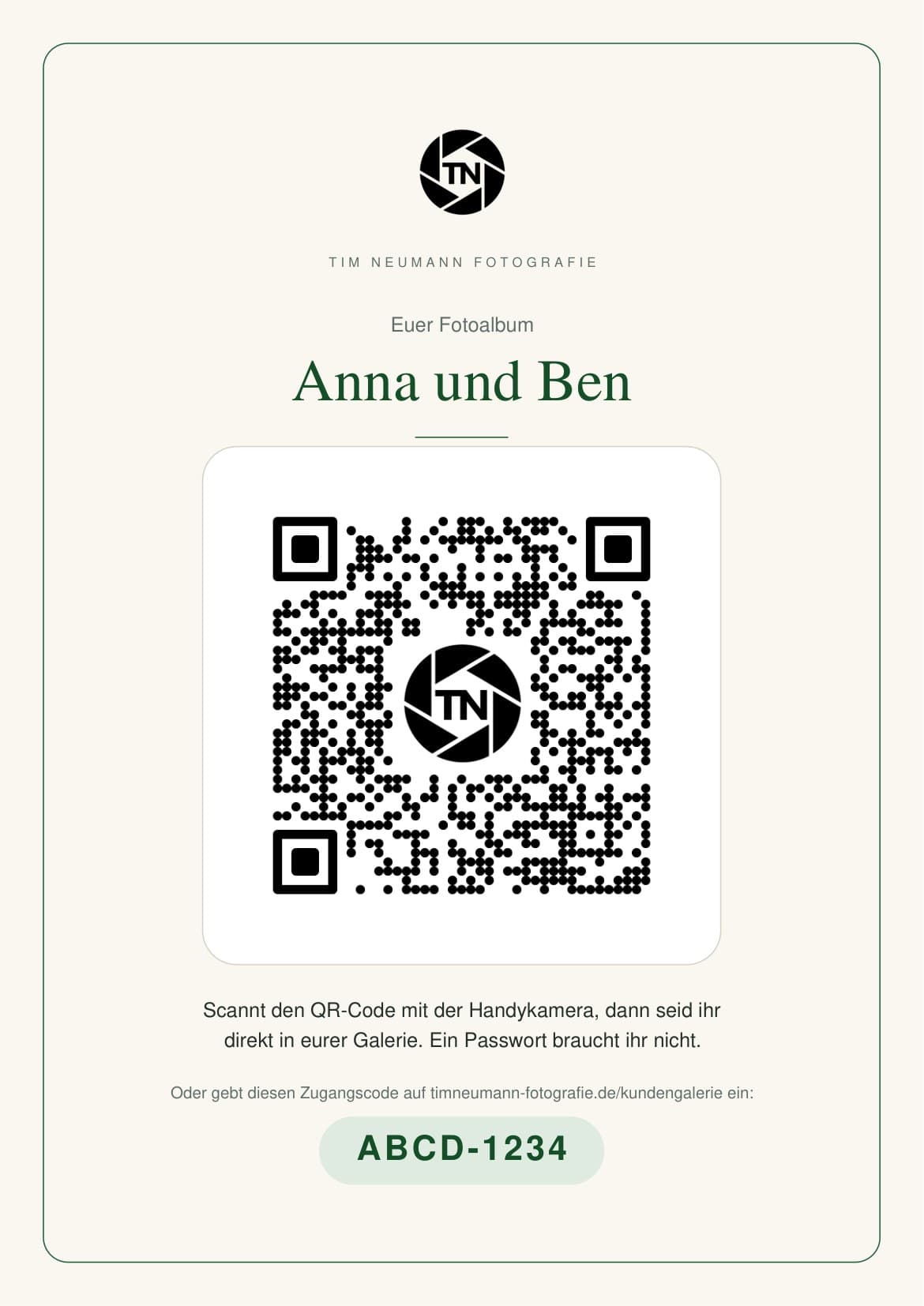
You create folders and tick the photos that should be sent. You share each folder via QR code or access code, and whoever gets it only sees those photos. You can print the QR code as a business card or as an A5 or A4 flyer.
Guide
How it works with folders
- 1Open the “Folders for guests” section in your gallery and create a new folder, for example “Family”.
- 2Tap the photos that should go into the folder. You can change this later too.
- 3Share the folder's link, QR code or access code. Whoever gets it only sees those photos. With “Lock” you close the folder again at any time.
Note: Your guests' photos are already preselected in a new folder, and photos uploaded later are added automatically. So after the wedding guests no longer need the wedding gallery, their folder is enough. You can simply remove anything you don't want in.
Guide
How it works with the QR code
- 1Open the “Share with guests” section in your gallery.
- 2Download the QR code as a business card or as a PDF, in green or elegant, and print it.
- 3Put it on the tables, pass it on or include it with your thank-you cards. Guests scan it and are straight in, no password needed.
Add-ons
Available to add.
Gallery for guests
Optionally the gallery can be extended for guests. Guests scan the QR code and upload their photos live during the evening, and everyone else can see them right away. The guest gallery works like the gallery for the wedding photos, with a filter bar, categories and download. All photos come together with you: mine and the guests'. My wedding photos do not show up in the guest gallery. You can also put the guests' photos into the folders for your guests, all of them are selected by default.
Extend availability to two months
By default the gallery is online for two weeks. For 29 € it stays available for up to two months.
Good to know
Frequently asked questions.
- Does the gallery cost extra?
- No. Your own gallery with all images is part of every package.
- How long does it stay online?
- Two weeks after the photos are delivered. For 29 € it stays online for two months.
- Can my guests join in?
- Yes. The QR code takes guests to a page of their own. I enable the upload for you before the date.
- Who can see my photos?
- Only people with your code or QR code. Guests only see what they uploaded themselves and cannot delete or change anything.
Curious?
The gallery comes with every package. Have a look at the client gallery or pick the area that fits.